
Gaming laptops have reached new heights in 2024, delivering desktop-class performance in portable packages. With NVIDIA's RTX 40-series GPUs, Intel's 13th-gen and AMD's Ryzen 7000 series processors, plus stunning high-refresh displays, today's gaming laptops can handle any game at maximum settings. Whether you're a competitive esports player, AAA gaming enthusiast, or content creator, we've tested the best gaming laptops across every price range to help you find your perfect match.
What Makes a Great Gaming Laptop in 2024?
Modern gaming laptops must excel in multiple areas to deliver the ultimate gaming experience:
- Powerful GPU: RTX 4060/4070/4080/4090 for ray tracing and high frame rates
- Fast CPU: Intel 13th-gen or AMD Ryzen 7000 series for smooth gameplay
- High Refresh Display: 144Hz, 240Hz, or even 360Hz for competitive advantage
- Adequate RAM: 16GB minimum, 32GB for future-proofing
- Fast Storage: NVMe SSD for quick load times
- Effective Cooling: Keep temperatures low during intensive gaming
Best Budget Gaming Laptops ($800-$1500)
Budget Gaming Champions
Don't let a limited budget stop you from enjoying modern games. These laptops offer excellent performance-per-dollar:
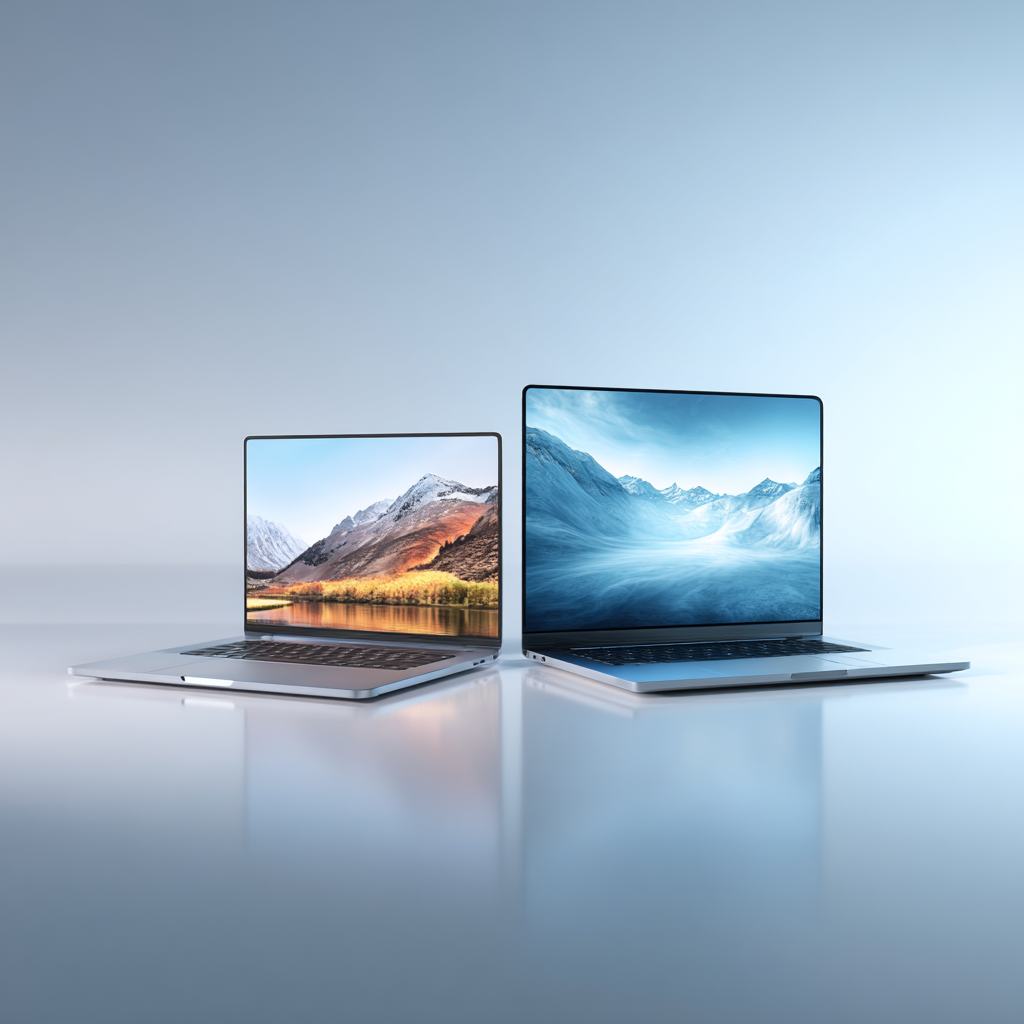
Acer Nitro 5 (2024)
Acer Nitro 5 Gaming Score: 84/100
The best budget gaming laptop that doesn't compromise on essential features. Solid 1080p gaming performance with RTX 4050 and excellent upgrade potential make this a smart choice for budget-conscious gamers.
Essential Gaming Laptop Features
High Refresh Display
144Hz+ displays provide smoother gameplay and competitive advantages in fast-paced games
Advanced Cooling
Multiple fans and heat pipes prevent thermal throttling during intense gaming sessions
Fast Storage
NVMe SSDs drastically reduce game loading times and improve overall system responsiveness
Gaming Keyboard
Mechanical or membrane keyboards with RGB lighting and anti-ghosting for precise input
Quality Audio
Enhanced speakers and audio processing for immersive gaming soundscapes
Port Selection
Multiple USB ports, HDMI, and Ethernet for connecting gaming peripherals and external displays

Gaming Laptop Buying Guide 2024
Key Considerations
- GPU Priority: Choose RTX 4060+ for 1080p gaming, RTX 4070+ for 1440p
- Display Size: 15.6" for portability, 17.3" for immersive gaming
- Refresh Rate: 144Hz minimum for competitive gaming, 60Hz acceptable for casual use
- RAM Requirements: 16GB is the sweet spot, 32GB for future-proofing
- Storage Strategy: 1TB minimum, consider dual drive setups
- Battery Life: Gaming laptops typically offer 3-6 hours for productivity tasks
- Cooling Solutions: Look for multiple fans and robust heat management
CPU and GPU Recommendations
Best Gaming CPUs 2024
- Intel Core i9-13980HX: Ultimate performance for flagship laptops
- Intel Core i7-13700H: Excellent balance of performance and efficiency
- AMD Ryzen 9 7940H: Top-tier AMD performance with great efficiency
- AMD Ryzen 7 7840H: Strong mid-range option with integrated graphics
- Intel Core i5-13500H: Budget-friendly option for 1080p gaming
RTX 40-Series GPU Guide
- RTX 4090: Uncompromising 1440p/4K gaming with ray tracing
- RTX 4080: High-end 1440p gaming, excellent ray tracing performance
- RTX 4070: Sweet spot for 1440p gaming, great value proposition
- RTX 4060: Solid 1080p gaming with ray tracing capabilities
- RTX 4050: Entry-level ray tracing, perfect for budget builds
Display Technology Guide
Choosing the right display is crucial for gaming enjoyment:
- 1080p (FHD): Standard for budget and mid-range laptops
- 1440p (QHD): Sweet spot for high-end gaming laptops
- 4K (UHD): Ultimate quality but requires top-tier GPU
- IPS Panels: Better color accuracy and viewing angles
- OLED Displays: Perfect blacks and infinite contrast (premium option)
- G-Sync/FreeSync: Eliminates screen tearing for smoother gameplay
Cooling and Performance
Thermal management directly impacts gaming performance:
Temperature Management
- CPU Temps: Should stay below 90°C under load
- GPU Temps: Target under 85°C for optimal performance
- Thermal Throttling: Causes performance drops when components overheat
- Fan Curves: Adjustable fan profiles for noise vs. cooling balance
- Undervolting: Can reduce temperatures without performance loss
Brand Comparison
Each manufacturer has distinct strengths in the gaming laptop market:
- ASUS ROG: Innovative features, excellent build quality, premium pricing
- MSI: Strong performance, competitive pricing, good cooling solutions
- Alienware: Iconic design, premium materials, extensive customization
- HP OMEN: Balanced approach, good value, reliable performance
- Acer Predator/Nitro: Aggressive pricing, decent performance, budget-friendly
- Lenovo Legion: Clean design, good thermals, competitive features
Essential Gaming Accessories
Maximize your gaming laptop experience with these accessories:
- Gaming Mouse: Precision sensors and programmable buttons
- Mechanical Keyboard: External keyboard for extended gaming sessions
- Gaming Headset: Immersive audio and clear communication
- Laptop Stand: Improved ergonomics and cooling
- External Monitor: Dual-screen setup for productivity and gaming
- Laptop Bag: Protection for your investment during transport
Gaming Laptop Maintenance
Keep Your Gaming Laptop Running Smoothly
- Regular Cleaning: Remove dust from fans and vents monthly
- Software Updates: Keep drivers and BIOS updated for optimal performance
- Temperature Monitoring: Use software to track component temperatures
- Power Management: Use balanced power modes when not gaming
- Storage Management: Maintain 20% free space on your SSD
- Battery Care: Avoid keeping laptop plugged in 24/7
Future of Gaming Laptops
Exciting developments coming to gaming laptops:
- RTX 50-Series: Next-generation GPUs with improved efficiency
- DDR6 Memory: Faster RAM for improved performance
- Better Battery Tech: Longer gaming sessions on battery power
- Advanced Cooling: Liquid metal and vapor chamber improvements
- Modular Designs: Upgradeable GPU modules (Framework approach)
- AI Integration: Smart performance optimization and game enhancement